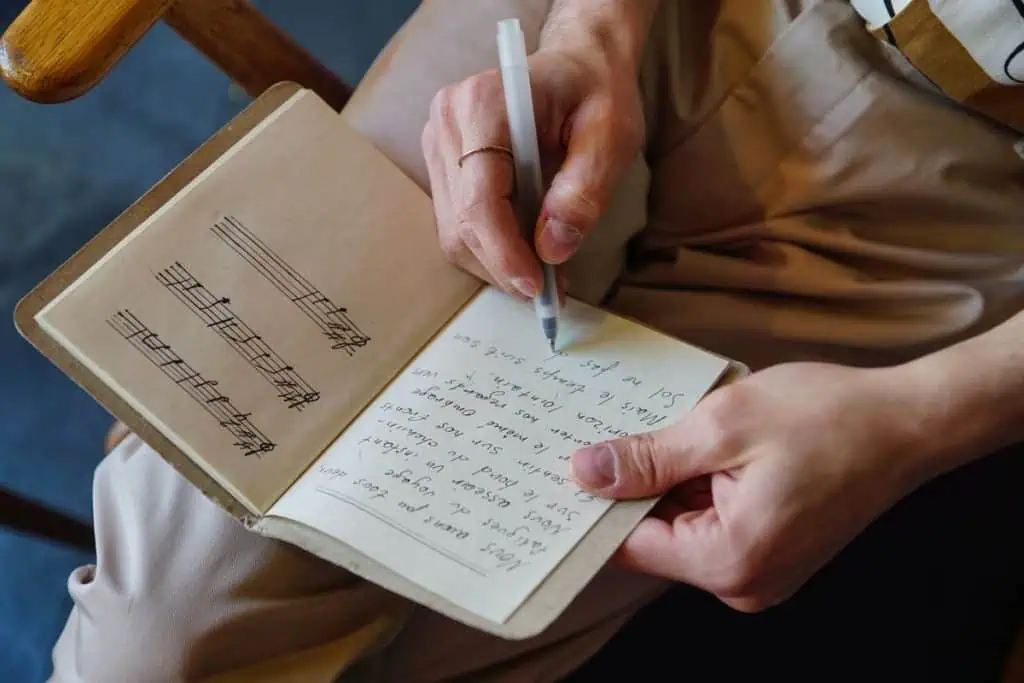
A blank page is the hardest part of writing a song. A good template fixes that by giving you boxes to fill instead of a void to stare at. Below is the free songwriting template I use, made up of a song structure template, a structure worksheet and a lyric sheet. Copy it into a notes app, print this page, or fill it in online with our free Songwriter Suite. It’s a companion to our main guide on how to write a song for beginners.
A songwriting template should include the song’s title and one-sentence idea, key, tempo and time signature, a section-by-section structure map (verse, pre-chorus, chorus, bridge), chords above each lyric line, a rhyme scheme note for each section, and space for co-writers, splits and the date written.
This page is the hands-on worksheet. If you want to understand the different song forms first, read our breakdown of examples of popular song structures.
Song Structure Template
Start by choosing the shape of your song. Here are the most common templates. Pick one and fill in the sections.
| Template | Section order | Best for |
|---|---|---|
| Verse–Chorus | V1 – C – V2 – C – C | Simple pop, folk, kids’ songs |
| Verse–Chorus–Bridge | V1 – C – V2 – C – B – C | Most pop, rock, worship |
| With pre-chorus | V1 – PC – C – V2 – PC – C – B – C | Modern pop, big worship anthems |
| AABA | A – A – B – A | Jazz standards, classic ballads |
| Strophic | V1 – V2 – V3 – V4 (refrain line in each) | Hymns, folk storytelling |
| Worship with tag | V1 – C – V2 – C – B – B – C – Tag | Congregational worship |
Tip: if you’re not sure, use Verse–Chorus–Bridge. It’s familiar to listeners and gives you a clear map.
🎸 Free download
Not sure which guitar is right for you?
Get the free Guitar Gear Cheat Sheet: match your style, budget and hands to the right guitar in 2 minutes. You’ll also get my 30-Day Practice Plan as a bonus.
Send My Cheat Sheet →Song Structure Worksheet
Copy this worksheet and fill in one row per section. It forces you to decide what each section is for before you write it.
| Section | Job of this section | Key idea / image | Chords (numbers) | Lines | Rhyme scheme |
|---|---|---|---|---|---|
| Intro | Set the mood | 1 – 4 | — | — | |
| Verse 1 | Set the scene: who, where, when | 4–8 | ABCB | ||
| Pre-chorus | Build toward the hook | 2–4 | AABB | ||
| Chorus | State the main idea and title | 2–6 | AABB or ABAB | ||
| Verse 2 | Move the story forward | 4–8 | ABCB | ||
| Bridge | New angle or realization | 2–4 | Free | ||
| Final chorus | Repeat, maybe with a twist | 2–6 | Same as chorus | ||
| Outro / tag | Close the song | 1–2 | — |
Fill in the “Job” column first. If two sections have the same job, one of them probably isn’t needed.
For help with each column:
- Key idea: see how to write song lyrics.
- Chords: see chord progressions for different moods.
- Rhyme scheme: see rhyme schemes for songwriters.
Lyric Sheet Template
Once you’ve mapped the structure, move to the lyric sheet. Here’s the format I use. Chords go above the syllable where they change.
SONG TITLE: ____________________
One-sentence idea: ____________________
Key: ____ Capo: ____ Tempo (BPM): ____ Time signature: ____
Writers and splits: ____________________ Date: ____
[Verse 1]
Chords: ____ ____ ____ ____
Line 1: ____________________
Line 2: ____________________
Line 3: ____________________
Line 4: ____________________
[Chorus]
Chords: ____ ____ ____ ____
Line 1 (title here?): ____________________
Line 2: ____________________
Line 3: ____________________
Line 4 (title here?): ____________________
[Verse 2] (same format as Verse 1)
[Bridge]
Chords: ____ ____ ____ ____
Line 1: ____________________
Line 2: ____________________
Notes / melody memo file name: ____________________
How to Fill In the Template (Step by Step)
- Write the title and one-sentence idea first. Everything else should serve them.
- Pick a structure from the song structure template table.
- Fill in the “Job” column of the worksheet for each section.
- Write the chorus lyric on the lyric sheet, with the title in the first or last line.
- Choose chords for each section, ideally starting the chorus on a different chord than the verse.
- Write verse 1 and verse 2, checking that verse 2 moves the story forward.
- Add a bridge if the song needs contrast.
- Fill in key, tempo and splits. If you co-wrote, agree on splits now. See how to co-write a song.
- Record a voice memo and write its file name in the notes box so you can find it later.
A Filled-In Example
Here’s what a finished worksheet row and lyric sheet header might look like for a simple song called “Porch Light.” The lyric lines are placeholders to show the format.
| Section | Job of this section | Key idea / image | Chords (numbers) | Lines | Rhyme scheme |
|---|---|---|---|---|---|
| Verse 1 | Set the scene | Porch light left on for someone late | 1 – 5 – 6m – 4 | 4 | ABCB |
| Chorus | State the main idea | “I’ll leave the porch light on” | 4 – 1 – 5 – 6m | 4 | ABAB |
| Verse 2 | Move the story | Years later, the roles reversed | 1 – 5 – 6m – 4 | 4 | ABCB |
| Bridge | New angle | Realizing someone did this for you | 6m – 4 – 1 – 5 | 2 | AA |
SONG TITLE: Porch Light
One-sentence idea: Love means waiting up for the people you care about.
Key: G Capo: 0 Tempo: 76 BPM Time signature: 4/4
Writers and splits: Writer A 50% / Writer B 50% Date: today
Notice how the “Job” column keeps verse 2 from repeating verse 1, and how the chorus starts on the 4 chord so it lifts. With the plan this clear, the actual lyric writing goes much faster. You know what each line has to do before you write it.
Print It or Use It Online
To print: use your browser’s print option on this page, or copy the worksheet and lyric sheet into a document.
To use it online: open Songwriter Suite. It has the same sections built in, Intro, Verse, Pre-Chorus, Chorus, Bridge, Tag and Outro, which you can tap to add and drag to reorder in the song map. You can put chords over lyrics, see Nashville numbers, and export a PDF chord sheet. It saves automatically in your browser.
To use it in a DAW: many recording apps let you add markers or regions. Name them with the same section labels so your demo matches your lyric sheet. Our list of the best guitar recording software covers free and paid options.
Template Variations
For worship songs: add a row for the Scripture reference and a “faithfulness check” box. Our guide on how to write a worship song explains why.
For co-writes: add a column for who suggested each line. It’s not about credit for individual lines (splits are usually agreed for the whole song), but it helps you remember the session.
For beat-based songs: replace “Lines” with “Bars” and note the bar count for each section, often 8 or 16.
Why Templates Help
Templates don’t make songs formulaic. They take small decisions off your plate, like “what comes after the chorus?”, so your energy goes into the words and melody. Once a structure is second nature, you can break it on purpose. Plenty of great songs skip the bridge, start with the chorus, or end on a single repeated line. Those choices land better when they’re deliberate, and a template makes them deliberate.
They also help you finish. A worksheet with empty boxes tells you exactly what’s left to write. If you’re someone who starts lots of songs and finishes few, pair this template with our guide on how to finish a song.
Frequently Asked Questions
What is the most common song structure?
Verse–Chorus–Verse–Chorus–Bridge–Chorus is the most common form in modern pop, rock and worship music. It’s familiar to listeners and balances storytelling with repetition.
Should I write chords on my lyric sheet?
Yes, if you play an instrument or plan to share the song with a band. Write each chord above the syllable where it changes, or list the progression at the start of each section.
What should I include on a lyric sheet for copyright?
Include the title, the complete lyrics, the writers’ names and the date. A lyric sheet or recording fixes your song in a tangible form. For registration details, see our guide on how to copyright a song and copyright.gov. This isn’t legal advice.
Can I change the template?
Of course. Templates are starting points. Add rows for a pre-chorus or tag, remove the bridge, or switch to AABA. The point is to give your song a plan.
Is there a free songwriting template app?
Songwriter Suite is our free browser app with song sections, chords over lyrics, a rhyme finder and PDF export. You can also use any notes app with the template on this page.
Sources and Further Reading
- U.S. Copyright Office FAQ – what it means for a song to be “fixed in a tangible form.”
- Hooktheory TheoryTab – see how real songs are sectioned and charted.
- Nashville Number System (Wikipedia) – background on writing chords as numbers on your sheet.