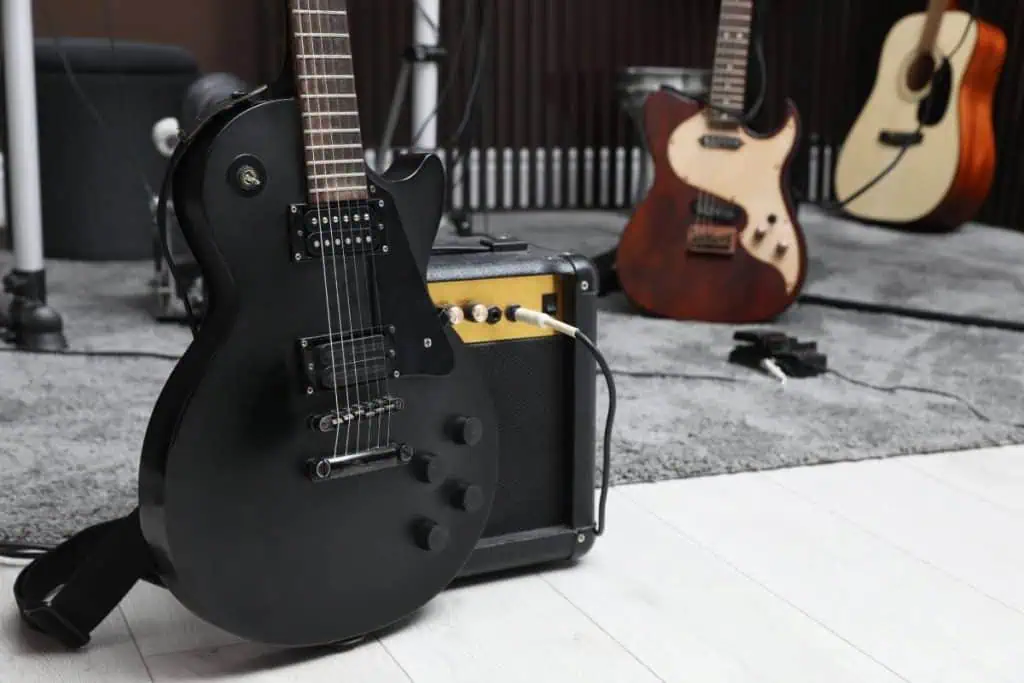
You can record electric guitar at home in three reliable ways: plug into an audio interface and use an amp-simulator plugin, put a microphone on a real amp, or record the line or USB output of a modeler. The quietest and most flexible starting method is a direct recording into an interface, because you can change the amp sound later. If you already love a particular amp, a dynamic mic such as the Shure SM57 is the standard close-miking tool. Either way, leave headroom and use less gain than you would in a bedroom jam.
Quick answer: the simplest method is to plug the guitar into the Hi-Z instrument input of an audio interface, such as a Focusrite Scarlett Solo 4th Gen, and use an amp-simulator plugin in your DAW. If you want your real amp, start with a Shure SM57 about 1 inch from the grille and listen as you move it. Record peaks around -12 to -6 dBFS. A two-input interface such as the Scarlett 2i2 lets you capture a mic and a clean DI at the same time.
Disclosure: some links in this guide are affiliate links. As an Amazon Associate, Sandy Music Lab earns from qualifying purchases at no extra cost to you, and commissions never decide which products make a list. See our editorial policy.
What are the three ways to record electric guitar at home?
The three common methods are recording direct with an amp sim, miking a guitar amp, and recording a modeler. Direct recording is silent and lets you change the tone later. Miking an amp captures that amp’s real feel, but it is louder and depends on placement and the room. A modeler is convenient, at a higher upfront cost.
| Method | Gear you need | Strengths | Trade-offs |
|---|---|---|---|
| Direct plus amp sim | Interface with a Hi-Z input, DAW, amp-sim plugin | Silent, cheap to start, tone can be changed later | Needs a stable computer; feel can be less “live” |
| Mic the amp | Amp, dynamic mic, stand, interface | Your real amp tone and feel | Loud; room and placement matter |
| Modeler or multi-effects | Modeler with USB audio or a line out | Ready-made tones, very convenient | Higher upfront cost |
Many players combine methods: they mic the amp and record a clean DI at the same time. That DI is what makes reamping possible later. If you use amp sims, the cabinet matters as much as the amp; see impulse responses for guitar. This guide is part of our home recording studio setup series.
How do you record electric guitar with an audio interface?
Connect a USB interface such as the Focusrite Scarlett Solo 4th Gen, plug the guitar into the front instrument input, engage the Inst or Hi-Z switch if the unit has one, then record a clean DI and put an amp-simulator plugin on the track. On a PC, install the maker’s ASIO driver and use wired headphones.
- Connect the interface directly to the computer with USB, not through a hub, and set it as the DAW’s audio device.
- Plug the guitar into the instrument input and press Inst or Hi-Z so the input matches the guitar’s high-impedance pickups.
- Play your hardest strum and set the input gain so the DAW peaks around -12 to -6 dBFS, without clipping.
- Create a mono audio track and choose that input.
- Insert an amp-simulator plugin. Many DAWs include one, and many interfaces ship with a starter amp-sim.
- Set a small buffer, often 64 or 128 samples, while you record, so monitoring delay stays low.
- Record the take. Because the raw DI is saved, you can change the amp sim later without playing the part again.
The Scarlett Solo 4th Gen has one XLR mic preamp and one Hi-Z instrument input. If you want to sing and play at once, or capture a