A loose or broken guitar input (okay, technically, it’s output) jack can severely hinder your playing experience. The only thing worse than constant buzzing from your guitar is no sound, and a faulty jack can give you both. That’s why it’s important to take care of the maintenance of the jack and learn how to fix problems with it before they become serious.
Here are some tips on how to fix a loose or broken guitar input jack:
- Invest time in maintenance.
- Make sure the problem’s in the jack.
- Tighten the jack.
- Move the metal clip back into place.
- Inspect and fix the wires.
- Replace the jack.
In this article, I’ll give you detailed instructions on diagnosing and fixing various problems with your guitar jack. This will allow you to play without constant noise and with improved sound quality.
Related: new to this topic? Start with our guitar maintenance basics.
👇😀👇NOTE👇😀👇
If you want to find out what my recommended guitar gear is, then here is what I recommend on Amazon:
- Fender Cutaway Acoustic-Electric Guitar Bundle (MY FAVORITE GUITAR)
- Snark SN-8 Super Tight All Instrument Tuner (Easiest Tuner I’ve Used😏)
- 6 String Acoustic Guitar Capo (Best CAPO for quick changes)
- Dunlop Max Grip 1.0mm Nylon Picks (Thick Guitar Pick So You Don’t Lose Grip!)
- Universal Guitar Stand (Cheap & Minimalist Guitar Stand I Recommend)
- Levy’s 2″ Wide Quick Adjust Guitar Strap (Best Guitar Strap For Any Level)
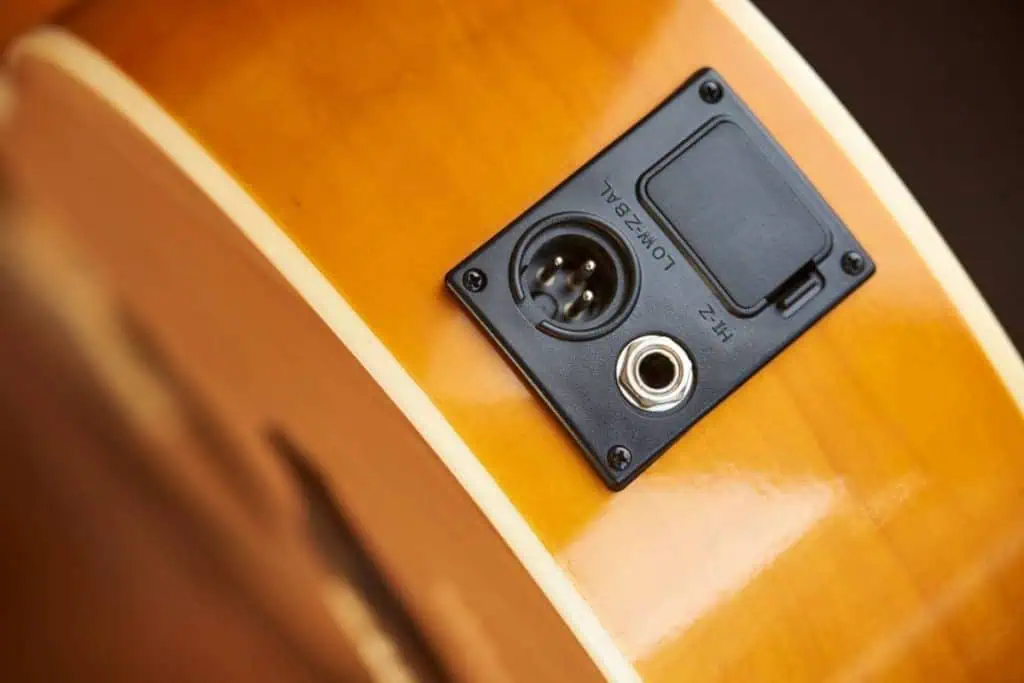
1. Invest Time in Maintenance
People have always said that prevention is better than cure. This is an important piece of thought not only when it comes to health, but also when it comes to extending the life of your beloved instrument. Examining it for problems periodically will ensure that you won’t suffer from needless headaches and that you have flawless performances.
Here are some things to do to ensure that your guitar jack is in great condition:
- Listen to your guitar: There’s no better way of diagnosing guitar problems than listening to your guitar and acting quickly. Listen for signs of problems and act quickly to prevent them from getting worse. It’s very likely that you won’t have to do much even if you notice your problems. Otherwise, a small problem can snowball and you can end up having serious problems with the jack or some other guitar parts.
- Don’t let your cable pull it: Having the full weight of your cable pulling down on your guitar jack is a great way to destroy it. The best way to prevent this is to keep the cable between your guitar strap and the body of the guitar. This way, most of the weight will rest there, and the cable won’t pull on the jack, leaving it in place.
- Clean it regularly: Quite often, you can have sonic problems simply because your jack is dirty. Even if your guitar is in its bag or case when you don’t play it, it’s still possible for dust and grime to get to the jack and cause problems. You can simply use a q-tip and some contact cleaner or rubbing alcohol to wipe the inside of the jack. Doing this from time to time will keep problems away and ensure the guitar works smoothly.
If you take good care of the guitar jack, it’s very likely that you won’t experience any problems, and the following steps might not be necessary. However, if you’re experiencing some trouble with your guitar jack, read on to learn more about how you can solve those problems.
2. Make Sure the Problem’s in the Jack
Imagine taking time to disassemble your guitar jack, resolder the wires, and put everything back in its place only to realize that the jack was alright and the problem was something entirely different. That’s why it’s important to be sure that the jack is causing the problem and not something else.
For example, if there’s a lot of buzzing, the problem might be caused by the jack. It might also be caused by the cable, pickups, or even improper shielding. It’s important to rule out these possibilities before you proceed, so you don’t waste time on fixing something that doesn’t need fixing.
Cable Problems
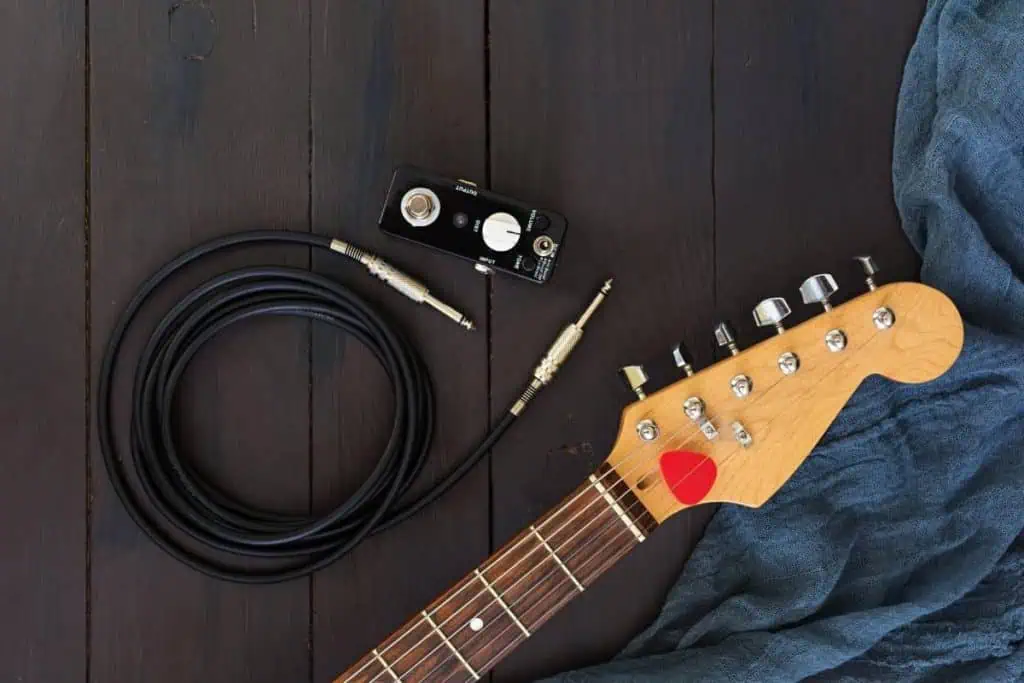
Before doing anything, try plugging in a different cable. If there are suddenly no problems, it’s obvious that the cable was the culprit. You can throw it in the trash can or use it as a decoration, and start using a new cable instead. Cables are not meant to last forever anyway, and it goes without saying that you’re bound to change them here and there.
Problems with the Pickups
Another culprit might be the pickups. For example, the screws that keep them in place might have loosened, allowing them to stand too close to the strings, which causes interference and buzzing. Inspect your pickups and screw them back into place if it seems like they’re too close to the strings.
Improper Shielding
Improper shielding or a complete lack thereof might also cause problems. In that case, you’ll need to make a Faraday cage. While this might sound scary, it’s a fairly simple process and easy to pull off.
You can check out how to do it in this video: