Not everyone has room for studio monitors, or a room that sounds good enough to use them. Maybe you record at night while the kids sleep, or you live in an apartment with thin walls. So, can you get a good mix on headphones alone? This guide covers mixing on headphones: what works, what to watch for, and which headphones to use. It’s part of our main guide on how to mix and master a song at home.
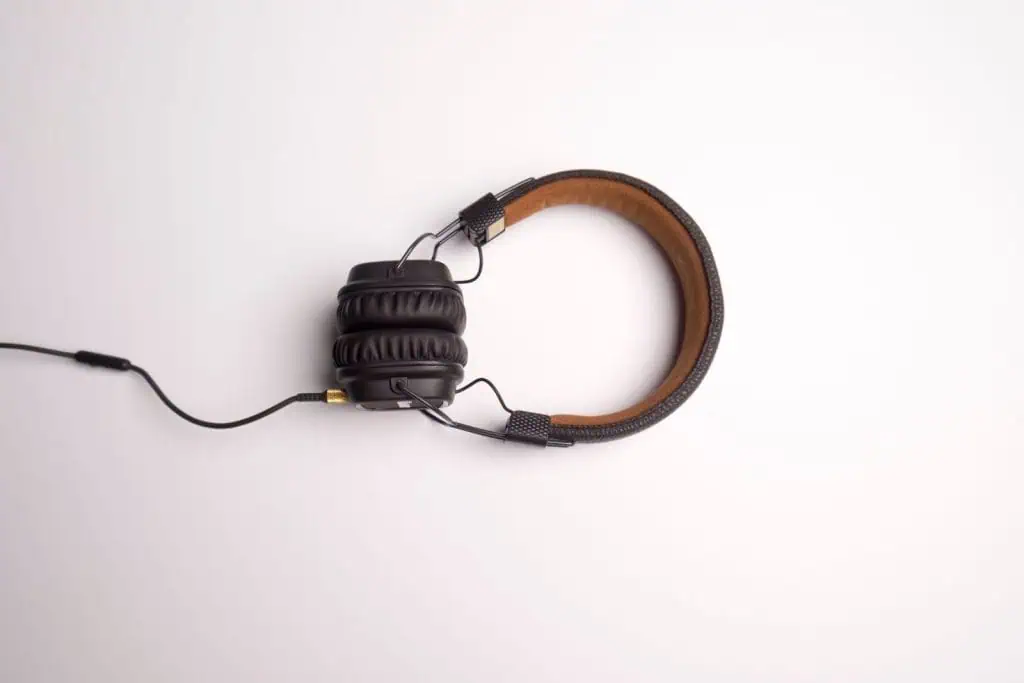
Yes, you can mix a song well on headphones only, as long as you use accurate, flat-sounding studio headphones, keep the volume moderate, take regular breaks, and check your mix on other systems like a phone, car and earbuds. Crossfeed and calibration software help correct headphones’ exaggerated stereo image and uneven bass.
Disclosure: this post contains affiliate links. If you buy through them, we may earn a small commission at no extra cost to you.
The Pros and Cons of Mixing on Headphones
| Pros | Cons |
|---|---|
| No room acoustics problems | Stereo image feels wider than on speakers |
| Great for hearing detail, clicks and noise | Bass can be hard to judge |
| Affordable compared to monitors plus room treatment | Ear fatigue on long sessions |
| Quiet, so you can mix any time | Reverb and panning can be misjudged |
| Same sound wherever you go | Every headphone model has its own tonal “tilt” |
The biggest issue is that on speakers each ear hears both speakers, while on headphones the left ear hears only the left channel and the right ear only the right. Sound On Sound explains that crossfeed, available in some headphone amps and plugins, mixes a little of each channel into the other to mimic how we hear speakers. That’s why hard-panned parts can sound more extreme on headphones than they will on speakers.
🎸 Free download
Want more time writing songs and less time wondering about gear?
Get the free Guitar Gear Cheat Sheet: pick the right guitar for your style and budget in 2 minutes, plus my 30-Day Practice Plan to keep your playing growing alongside your songwriting.
Send My Cheat Sheet →Headphone Mixing Tips
- Use studio headphones, not consumer “bass boosted” ones. You want an honest picture, not a flattering one.
- Mix at a moderate volume. Loud levels tire your ears quickly and change how you hear balance. Turn it down and take a break every 45–60 minutes.
- Learn your headphones. Listen to five or six professionally mixed songs you know well on the same headphones. Compare your mix to them often.
- Use reference tracks. Load a commercial song in a similar style into your session and switch back and forth at matched volume.
- Be careful with hard panning. It can sound more extreme on headphones than on speakers, so check panning decisions with crossfeed on or on speakers.
- Watch the low end. Use a spectrum analyzer plugin to check bass and kick, since headphones vary a lot below about 100 Hz.
- Go easy on reverb. Headphones make reverb sound more obvious. Mixes often end up too dry on speakers if you set reverb only on headphones, or too wet if you overcorrect. Check both ways.
- Try calibration software. Tools like Sonarworks SoundID Reference apply a correction curve for supported headphone models to make them sound flatter.
- Check in mono. Collapse the mix to mono to catch phase problems and balance issues.
- Take the mix out of the room. Phone speaker, earbuds, car, a Bluetooth speaker. If it holds up everywhere, it’s done.
For vocal-specific tips, see how to mix vocals, and for guitars, how to mix electric guitar.
How to Use Reference Tracks on Headphones
Reference tracks matter even more on headphones, because you can’t rely on a familiar room to tell you when something is off.
Pick two or three references in the same genre and tempo range as your song. A worship ballad should be compared to worship ballads, not to a rock anthem.
Match the loudness. Commercial masters are much louder than an unmastered mix. Turn the reference down until it sounds about as loud as your mix, otherwise the louder track will always seem better.
Compare one thing at a time. Listen only to the vocal level for a minute, then only the kick and bass, then only the reverb. Switching between songs while focusing on a single element makes differences obvious.
Listen to the start of the chorus. It’s where mixes usually differ most: how much the vocal jumps out, how wide the guitars get, how hard the drums hit.
Write notes, not fixes. Jot down “vocal too quiet in chorus” or “less low end than reference,” then make the changes after the comparison. This keeps you from chasing tiny moves while you’re still listening.
Mixing Without Monitors: A Simple Workflow
If headphones are all you’ve got, here’s a reliable process:
- Set levels and panning on he